9. autofs 설정

dnf install autofs
systemctl enable --now autofs

# vi /etc/auto.master.d/direct.autofs
/- /etc/auto.direct`

# vi /etc/auto.direct
/external -rw,sync,fstype=nfs4 serverb.lab.example.com:/shares/direct/external`

#접근권한 확인
su - 사용자
pwd
touch use.txt
ls -l use.txt

exit
10. 사용자 계정 설정

useradd -u 3533 manalo
cat /etc/passwd | grep manalo //생생 확인
11. 파일찾기

mkdir /root/findfiles //디렉토리 생성
find / -user guest -exec cp -a {} /root/findfiles \;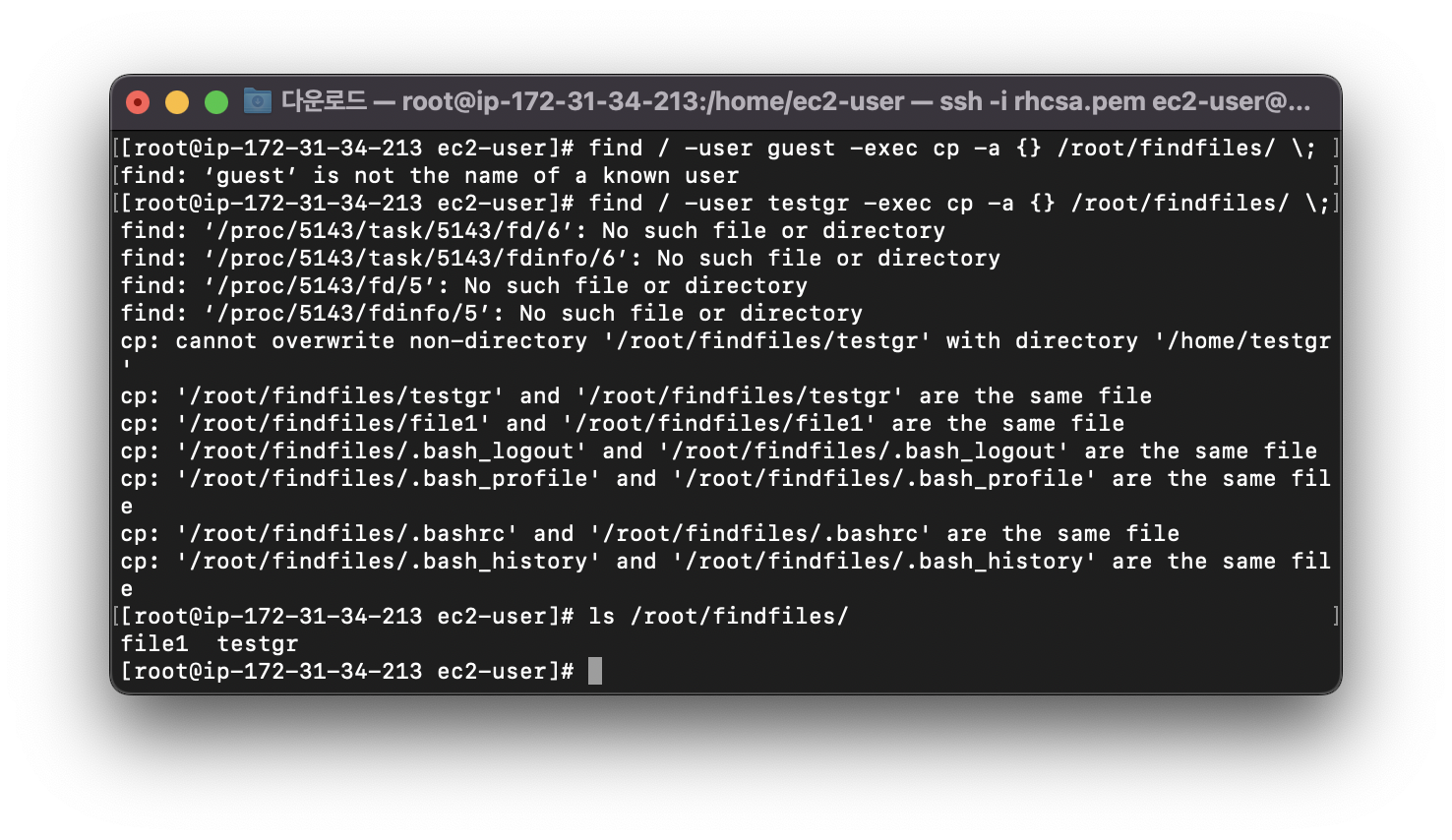
<참고>
+ 쉘스크립트로 만들라고 나온다면
vi find.sh
#!/bin/bash
find / -user student -exec cp -a {} /root/find/ \;

chmod 755 find.sh
./find.sh
12. 문자열 찾기

grep ng /usr/share/doc/bind-9.11.4/CHANGES > /tmp/search_string
- 파일들어가서 빈공간 없는지 확인하기

<참고>
+ 쉘스크립트로 만들라고 나온다면
vi find.sh
#!/bin/bash
grep ng /usr/share/doc/bind-9.11.4/CHANGES > /tmp/search_string

chmod 755 find.sh
./find.sh
13. 아카이브 생성

tar czf /root/backup.tar.gz /usr/local/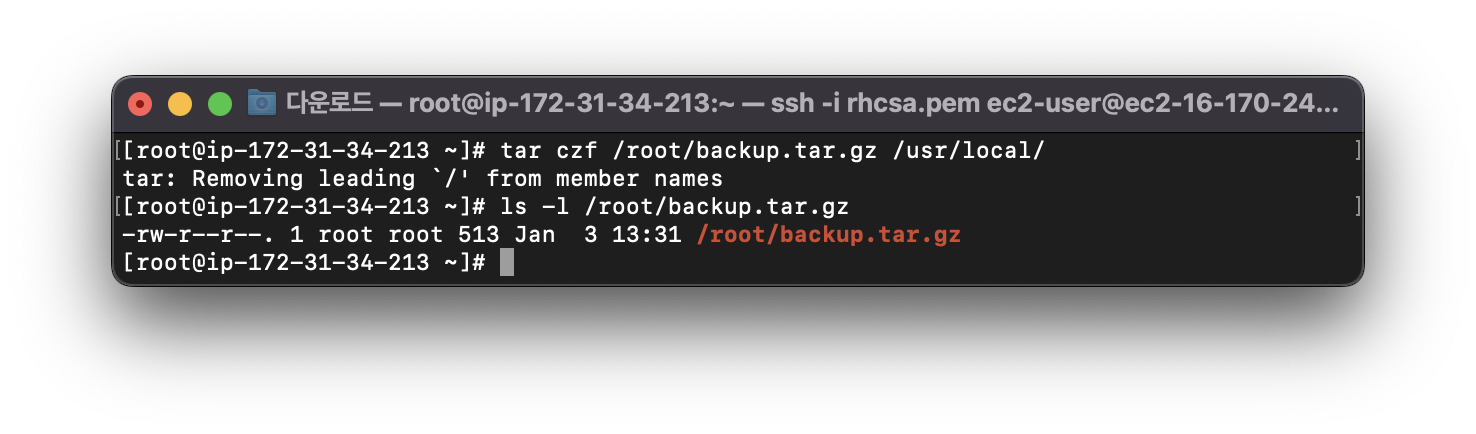
<참고>
bzip으로 압축 문제 나올경우도 있음
'Linux > RHCSA' 카테고리의 다른 글
| [RHCSA]패스워드 초기화/LV증설/SWAP추가/논리볼륨생성/튜닝(tuned) (0) | 2024.01.11 |
|---|---|
| [RHCSA]AWS 볼륨 추가 및 LVM 구성(볼륨 관련 문제풀이 사전준비) (0) | 2024.01.11 |
| [RHCSA]selinux/협업 디렉토리/NTP설정 (0) | 2024.01.03 |
| [RHCSA]계정생성/파일권한/crontab 설정 (0) | 2023.12.17 |
| [RHCSA]네트워크/Hostname/Repo 설정 (0) | 2023.12.17 |


